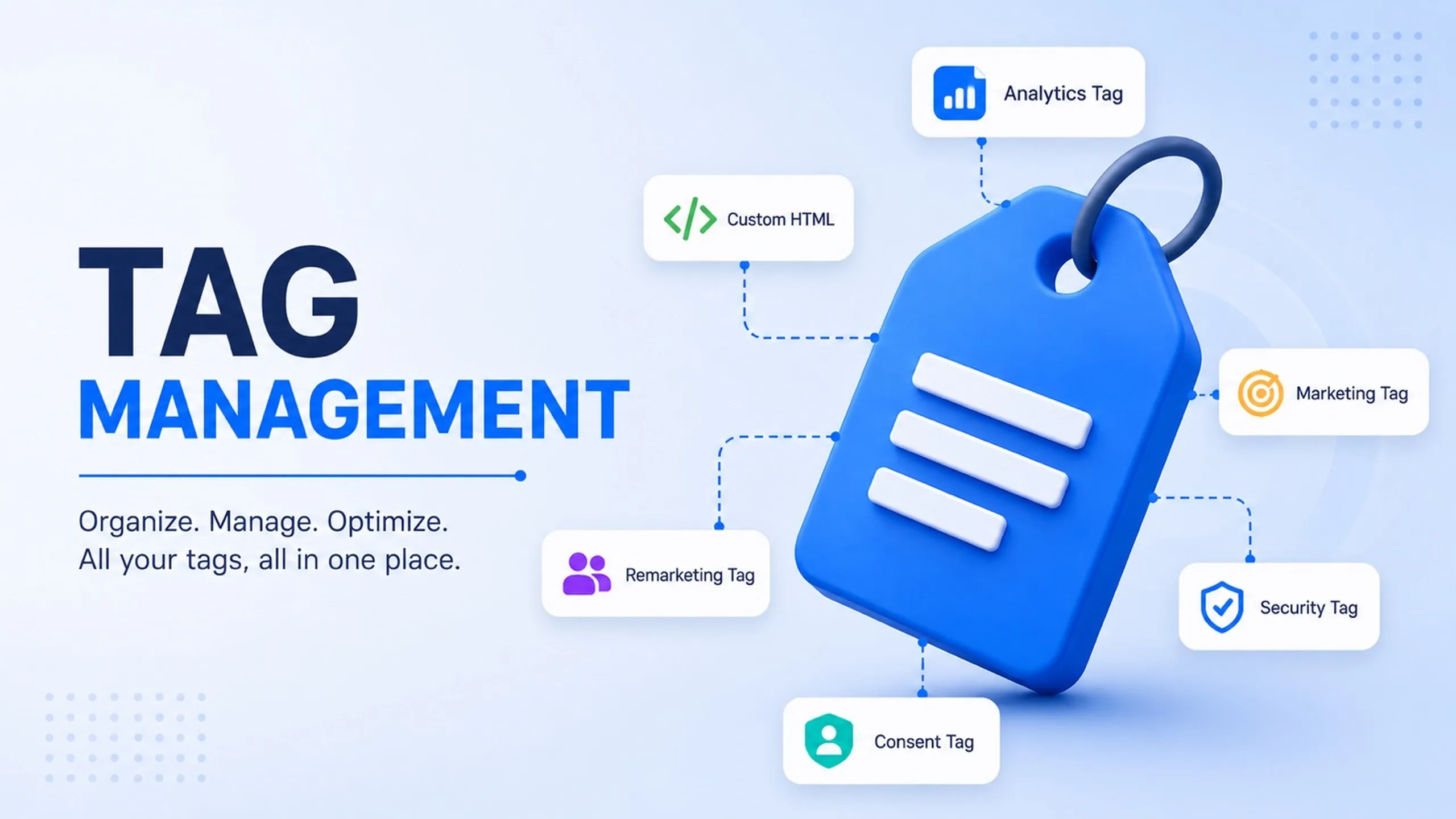
Tag Management
Control the Tags Before They Control the Data.
Tag management is the discipline of organizing, governing, testing, auditing, and maintaining the tracking tags used across a website, app, or digital platform.
A tag may send analytics events, advertising signals, conversion data, remarketing data, consent signals, heatmap activity, or third-party script behavior. Without proper tag management, websites become slower, reporting becomes harder to trust, privacy controls weaken, and nobody is fully sure which scripts are still active.
Tag management is not just about deploying tags. It is about keeping tracking controlled, documented, accurate, and safe over time.
A good tag management process gives teams clarity: what tags exist, why they exist, where they fire, what data they send, who owns them, and whether they still need to be there.
What Is Tag Management?
Tag management is the operational discipline behind tracking control.
It includes planning, organizing, reviewing, testing, documenting, approving, and maintaining the tags that collect or send data across digital systems.
A tag management tool, such as Google Tag Manager, Adobe Experience Platform Tags, Tealium iQ, or another platform, can help execute this work. But the tool is not the discipline itself.
The discipline is broader.
Tag management asks practical questions:
- Which tags are installed?
- What does each tag do?
- Which platform receives the data?
- What event or condition causes it to fire?
- What data does it collect or send?
- Does it respect consent?
- Does it affect performance?
- Who owns it?
- When was it last reviewed?
- Should it still exist?
These questions matter because tracking environments decay over time. New campaigns add pixels. Vendors add scripts. Analytics migrations add duplicate tags. Consent requirements change. Old tags remain active. Teams forget who requested what.
Tag management keeps that environment understandable.
Why Tag Management Matters
Modern websites rarely run with one tracking script.
A single site may include analytics tags, ad pixels, remarketing tags, conversion tags, consent scripts, CRM integrations, heatmap tools, chat widgets, A/B testing tools, affiliate scripts, booking widgets, review embeds, and product analytics tools.
Each tag can affect data quality, privacy, performance, or reporting.
Poor tag management can create several problems:
- Tags fire on the wrong pages.
- Conversions are counted twice.
- Events use inconsistent names.
- Consent rules are bypassed.
- Old vendor scripts remain active.
- Website performance suffers.
- Advertising platforms optimize from weak signals.
- Reports disagree across platforms.
- Nobody knows which tags are still necessary.
A strong tag management process brings order to this environment. It makes tracking easier to audit, easier to maintain, and easier to trust.
The value is not simply faster implementation. The value is operational control.
Tag Management vs Tag Implementation
Tag implementation and tag management are related, but they are not the same.
Tag implementation is the act of setting up a specific tag, trigger, variable, pixel, event, or script.
Tag management is the broader discipline of maintaining the full tracking environment over time.
Area | Tag Implementation | Tag Management |
|---|---|---|
Main focus | Setting up tracking | Maintaining control over tracking |
Scope | Individual tags, events, and triggers | Governance, QA, documentation, consent, ownership, cleanup |
Timeframe | Often project-based | Ongoing operational discipline |
Success measure | The tag fires | The data is accurate, useful, compliant, and maintainable |
Risk if weak | Broken or missing events | Messy tracking, poor data quality, privacy risk, slow pages, weak reporting trust |
A website can have many tags implemented and still have poor tag management.
That distinction is important. Installing a tag is easy. Keeping the tracking environment clean over time is the real work.
What Tag Management Controls
A good tag management process controls more than whether a script loads. It controls the full lifecycle of the tag.
Control Area | What It Means | Why It Matters |
|---|---|---|
Purpose | Why the tag exists | Prevents unnecessary or forgotten tags |
Ownership | Who is responsible for it | Prevents orphaned scripts and unclear accountability |
Firing Logic | When and where the tag runs | Prevents duplicate, early, or incorrect firing |
Data Sent | What values or identifiers are collected | Protects data quality and privacy |
Consent Rules | Whether the tag can fire under user consent choices | Supports privacy and platform compliance |
Destination | Which platform receives the data | Prevents uncontrolled data sharing |
Performance Impact | How the tag affects loading and interaction | Protects page speed and user experience |
Validation | Whether the tag has been tested | Reduces reporting and optimization errors |
Review Cycle | When the tag should be audited again | Prevents long-term tracking decay |
This is why tag management should not be treated as a one-time setup. Every tag has a lifecycle.
This lifecycle keeps tag management from becoming reactive. It gives teams a repeatable way to decide what belongs in the tracking environment and what should be removed.
Tag Management and Measurement Architecture
Tag management is one part of measurement architecture.
Measurement architecture defines what should be measured, why it matters, how events should be named, where data should be sent, who owns the setup, and how quality should be maintained.
Tag management is the operational layer that helps enforce that plan.
Measurement Layer | Role |
|---|---|
Business Objectives | Define what the organization needs to understand. |
Measurement Plan | Defines events, conversions, parameters, values, and reporting needs. |
Data Layer | Provides structured website or app signals. |
Tag Management | Controls when and how tags fire. |
Analytics and Ad Platforms | Receive, process, and report the data. |
Consent Management | Controls whether tags are allowed to run. |
QA and Governance | Maintains accuracy, consent alignment, and trust. |
Documentation | Preserves ownership, definitions, and implementation logic. |
Tag management should never replace the measurement plan. It should enforce it.
A weak measurement plan will still produce weak tracking, even with a powerful tag management tool. If event names are inconsistent, conversion definitions are unclear, or ownership is missing, the tag manager simply becomes a more convenient place to create confusion.
Tag Inventory and Ownership
A tag inventory is one of the most useful governance tools in tag management.
It is a simple record of all active tags, what they do, where they fire, what data they send, who owns them, and whether they are still needed.
Inventory Field | Why It Matters |
|---|---|
Tag Name | Makes the tag identifiable. |
Platform | Shows where data is being sent. |
Purpose | Explains why the tag exists. |
Owner | Identifies who is responsible. |
Firing Location | Shows where the tag runs. |
Trigger Condition | Explains when the tag fires. |
Consent Category | Defines whether consent is required. |
Data Sent | Shows what values or identifiers are passed. |
Last Reviewed | Supports cleanup and audit cycles. |
Status | Shows whether the tag is active, paused, deprecated, or removed. |
This does not need to be overcomplicated. Even a clean spreadsheet can improve governance dramatically.
The important part is ownership. A tag without an owner becomes a risk because no one is responsible for validating, updating, or removing it.
Client-Side vs Server-Side Tag Management
Tag management can happen on the client side, server side, or through a hybrid model.
The right model depends on technical maturity, privacy requirements, performance goals, platform needs, and the organization’s ability to maintain the setup.
Type | How It Works | Strengths | Limitations |
|---|---|---|---|
Client-Side Tagging | Tags run in the user’s browser. | Easier to implement, widely supported, flexible. | More exposed to browser limits, ad blockers, performance impact, and consent mistakes. |
Server-Side Tagging | Events pass through a controlled server endpoint before being forwarded. | More control, cleaner data processing, reduced browser load, stronger governance options. | Requires infrastructure, monitoring, technical ownership, and stronger documentation. |
Hybrid Tagging | Uses both client-side and server-side logic. | Balances flexibility and control. | Requires clear boundaries to avoid duplicate or conflicting tracking. |
Client-side tagging sends tracking events directly from the browser to third-party platforms, while server-side tagging routes and governs data through a centralized server container before distribution to analytics, advertising, CRM, and conversion systems.
Server-side tagging should not be treated as a magic fix for tracking loss. It is a more controlled architecture, not a shortcut. It still needs consent logic, validation, monitoring, documentation, and ownership.
Tag Management and Data Layer Quality
A tag manager is only as reliable as the signals it receives.
If tracking depends on button text, CSS classes, URL patterns, or thank-you pages, it can break when the website layout changes. The data layer gives the tag management system a cleaner way to understand what actually happened.
For important events, the website should push explicit event names and structured parameters into the data layer.
For example, a lead form submission should not only rely on a button click. It should provide a clear event such as generate_lead, along with relevant fields such as form type, page context, lead category, or business unit where appropriate.
A clean data layer improves:
- Event consistency
- Debugging
- Reporting accuracy
- Conversion tracking
- Consent-aware firing logic
- Cross-platform event mapping
- Long-term tracking maintainability
Tag Management and Website Performance
Tags can affect website performance.
Every script has a cost. Some scripts are lightweight. Others load additional resources, block rendering, increase network requests, or slow down interaction.
Tag management does not automatically solve this problem. In some cases, it can make the problem worse because it becomes easier to add more scripts without developer review.
Performance-aware tag management should include:
- Removing unused tags
- Avoiding unnecessary custom HTML
- Delaying non-critical tags where appropriate
- Reviewing third-party script impact
- Using consent and trigger conditions to reduce unnecessary firing
- Considering server-side tagging for selected use cases
- Auditing old campaign, vendor, and testing scripts
A fast website still needs disciplined tag governance.
Tag Management and Privacy
Tag management is closely connected to privacy compliance.
Tags can collect user behavior, device information, campaign data, page activity, conversion details, advertising identifiers, and sometimes sensitive behavioral patterns. Some tags may also set cookies or connect behavior across sessions and platforms.
Because of this, tag management should not be treated as a purely marketing task.
Privacy-aware tag management should define which tags are essential, analytical, advertising-related, personalization-related, or operational. It should also ensure that consent state is respected before tags fire.
A common mistake is adding a consent banner visually but allowing tags to fire before the user makes a choice. That creates a mismatch between the interface and the actual tracking behavior.
Common Use Cases for Tag Management
Tag management is useful across analytics, advertising, conversion tracking, remarketing, and operational measurement. The best use cases are not about adding as many tags as possible. They are about controlling important measurement and third-party scripts in a way that remains accurate and maintainable.
The key principle is control. Tag management should make third-party behavior easier to review, not easier to ignore.
Tag Management Checklist
A reliable tag management setup should be reviewed regularly. This checklist can be used during audits, migrations, campaign launches, platform changes, consent updates, or conversion tracking reviews.
Area | What to Check |
|---|---|
Measurement Plan | Are key events, conversions, parameters, and destinations clearly defined? |
Naming Convention | Are tags, triggers, variables, and folders named consistently? |
Data Layer | Are important events supported by structured data? |
Consent | Do tags respect user consent before firing? |
Performance | Are unnecessary or heavy scripts removed? |
Testing | Are changes reviewed in preview mode before publishing? |
Access Control | Do only appropriate users have publishing permissions? |
Documentation | Is ownership, purpose, and platform usage recorded? |
Versioning | Can changes be traced and rolled back if needed? |
Audit Schedule | Are tags reviewed regularly instead of only during emergencies? |
A checklist does not replace ownership. It simply gives teams a practical way to keep the setup from drifting.
These mistakes usually come from treating tag management as a quick implementation layer instead of an operational system.
The more platforms depend on tracking data, the more important governance becomes.
When Tag Management Becomes a Problem
Tag management becomes a problem when it is used as a shortcut around proper development and governance.
Teams may use custom HTML tags to inject important functionality that should belong in the codebase. They may rely on brittle click triggers instead of asking for data layer support. They may give too many vendors access to publish changes. They may add scripts without checking performance or consent behavior.
At that point, the tag manager is no longer helping the website. It is becoming an uncontrolled technical layer.
A healthy setup has clear boundaries. The tag manager should manage tracking and approved third-party scripts. It should not become a hidden application layer.
This process turns tag management from cleanup into governance.
What Good Tag Management Looks Like
Good tag management is structured, documented, selective, and regularly reviewed.
It should be easy to answer what each tag does, why it exists, where it fires, what data it sends, which consent rules apply, who owns it, and whether it still needs to be active.
A strong setup usually has:
- A clear measurement plan
- Consistent naming conventions
- A maintained tag inventory
- A reliable data layer for important events
- Consent-aware firing rules
- Limited publishing access
- Preview testing before release
- Version history and rollback discipline
- Regular audits and cleanup
- Documentation that survives team or agency changes
The best tag management systems are not impressive because they contain many tags. They are valuable because they remain understandable and trustworthy.
Final Thoughts
Tag management is a control layer for digital measurement.
It helps teams deploy analytics, advertising, conversion, remarketing, and third-party scripts without turning the website codebase into a pile of disconnected tracking snippets.
But tag management only works well when it is governed properly. A tag manager without strategy, documentation, consent controls, testing, and ownership can become just as messy as hardcoded scripts.
The strongest setups are simple, structured, and intentional. They measure what matters, fire only when appropriate, respect consent, protect performance, and give teams confidence that their data can be trusted.